Skygen
An AI agent platform that turns natural-language requests into real actions across connected apps and computer environments.
Overview
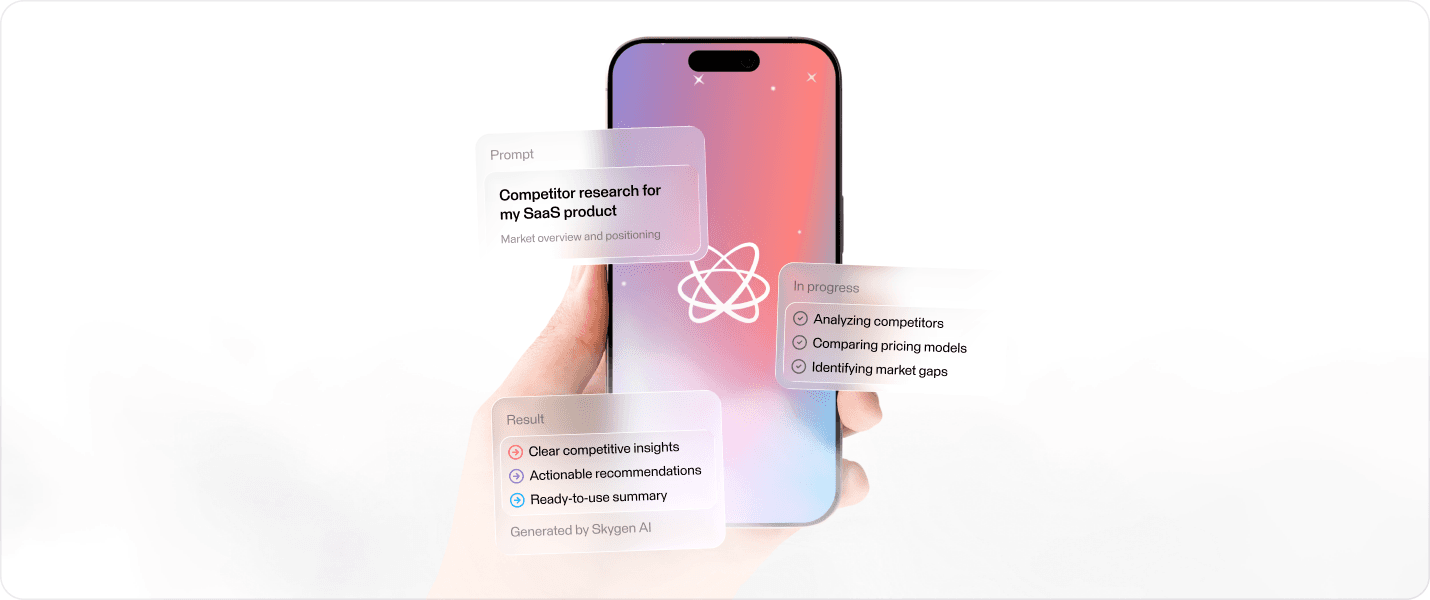
Skygen is an AI execution platform designed to move beyond conversational assistance. Users can describe a goal, connect the tools they already use, and let the agent research, automate, analyze, and execute multi-step tasks across digital workflows.
The product combines conversational AI, connected applications, agent configuration, and computer control within one ecosystem.
Role & Scope
I worked across the core product experience, including the AI agent workspace, connected-app flows, computer-use scenarios, mobile experiences, agent management, product states, and reusable interface components.
Challenge
The main challenge was making autonomous execution feel understandable and controllable.
Unlike a traditional AI assistant that only generates a response, Skygen can access connected services, operate a computer environment, and perform multi-step actions on behalf of the user.
The experience therefore needed to clearly communicate what the agent was doing, what it could access, when user confirmation was required, and how users could intervene without turning the product into a complex technical interface.
Main product areas
Core Agent Experience
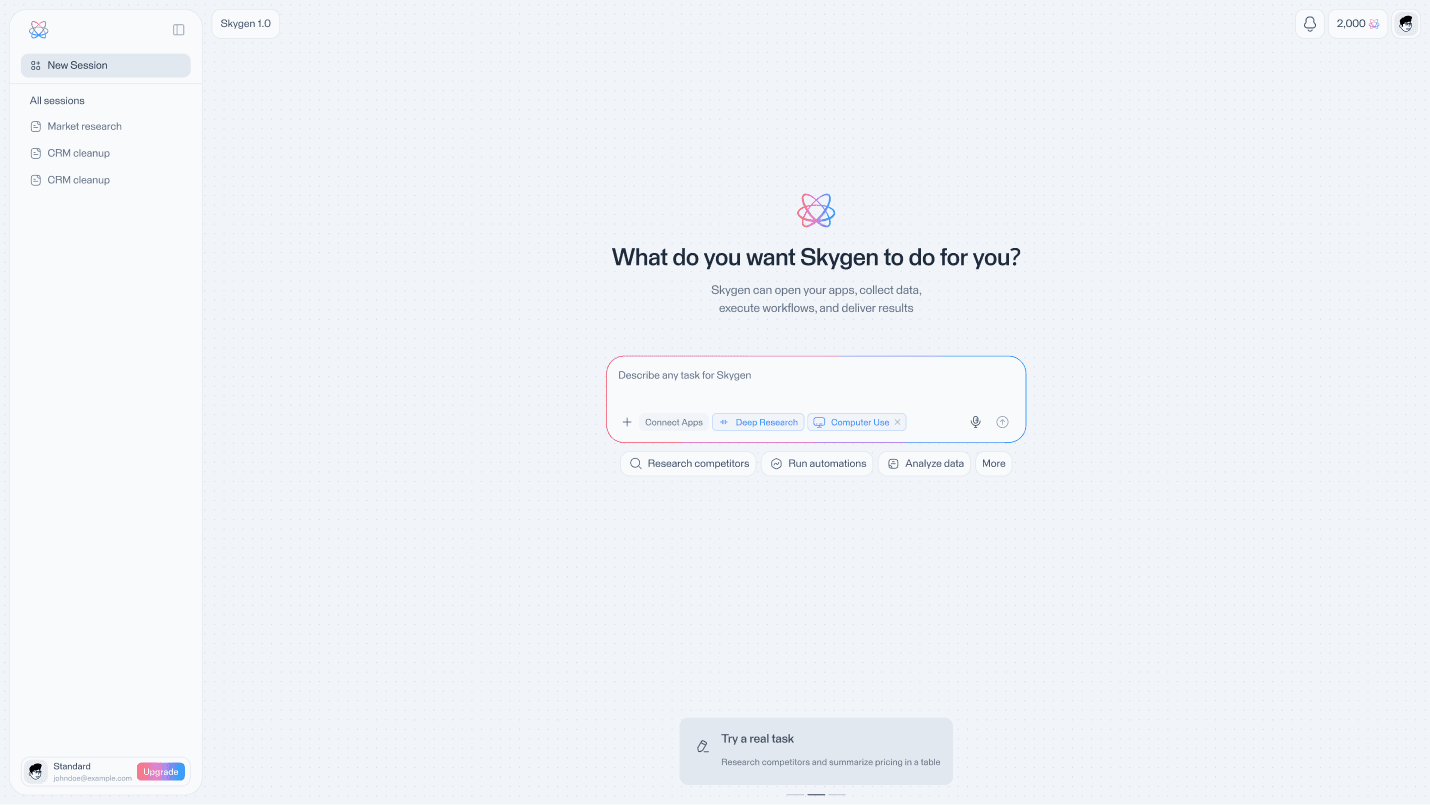
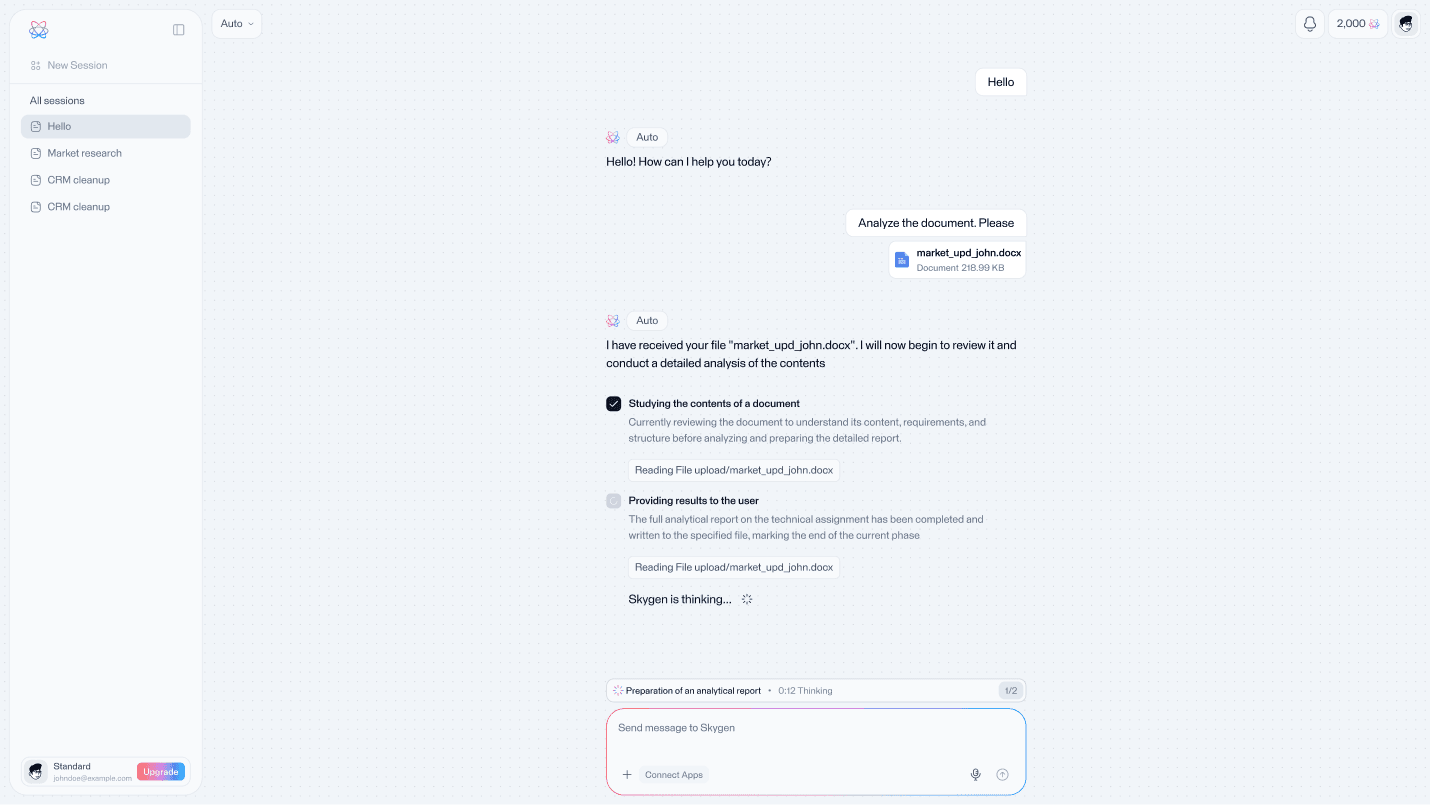
The core experience starts with a simple natural-language request.
Instead of exposing the complexity of automation upfront, Skygen allows users to describe what they want to achieve and progressively reveals the tools, execution steps, and system feedback required to complete the task.
Connected Apps
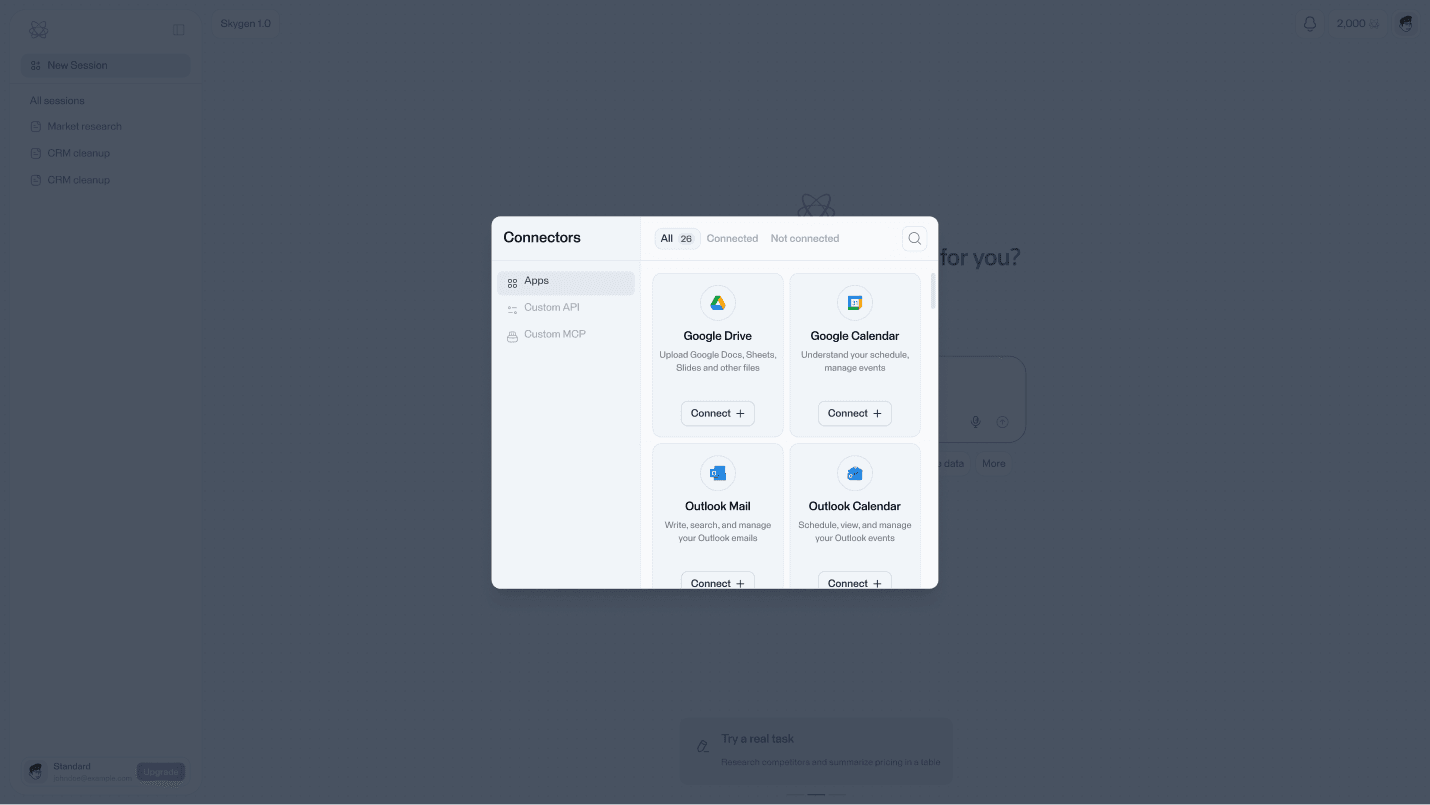
Users can connect the services required for each workflow and manage the agent's access from one place.
The experience was designed to make integrations and permissions understandable without adding unnecessary friction before the user can start a task.
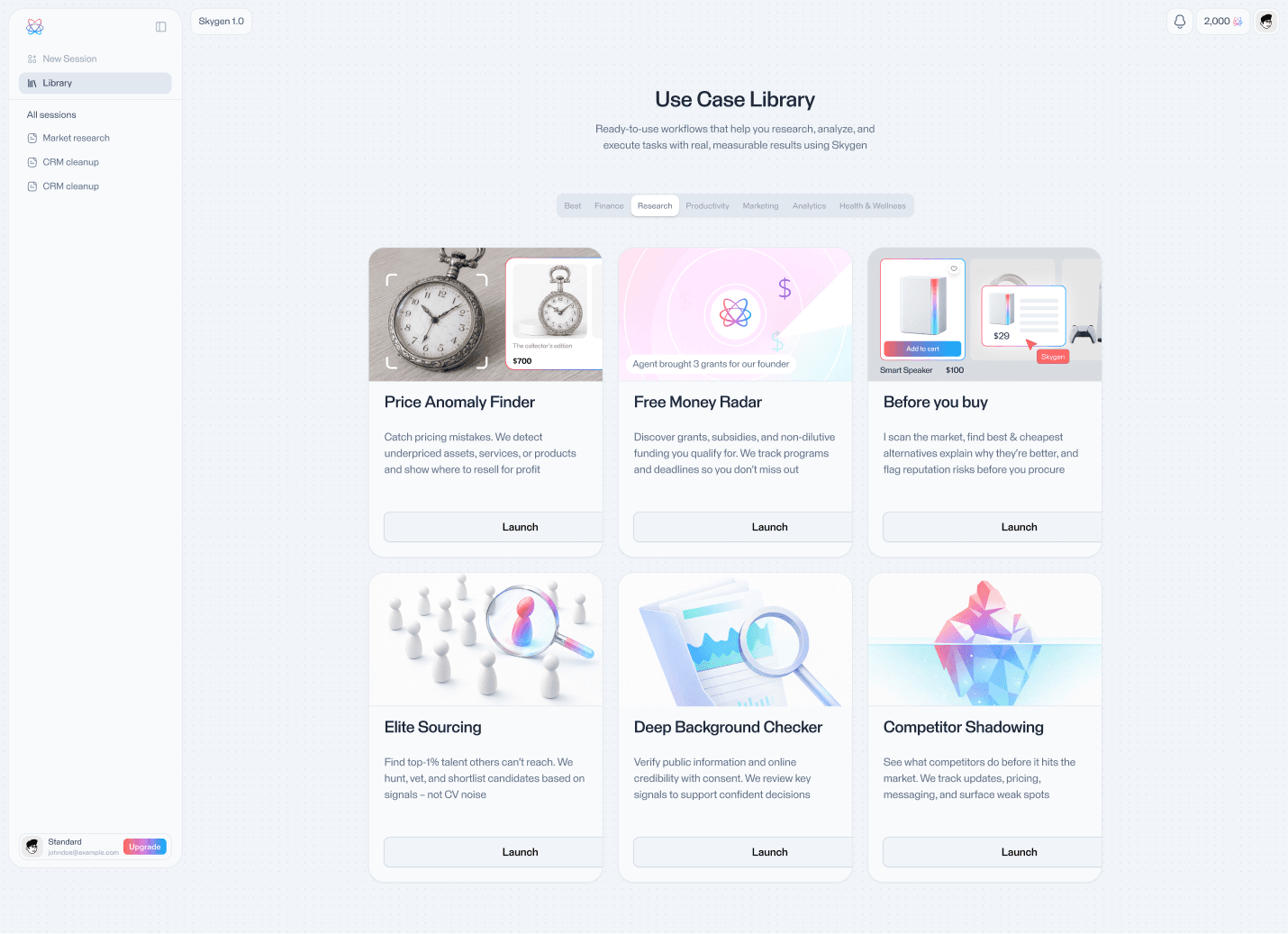
Use Case Library
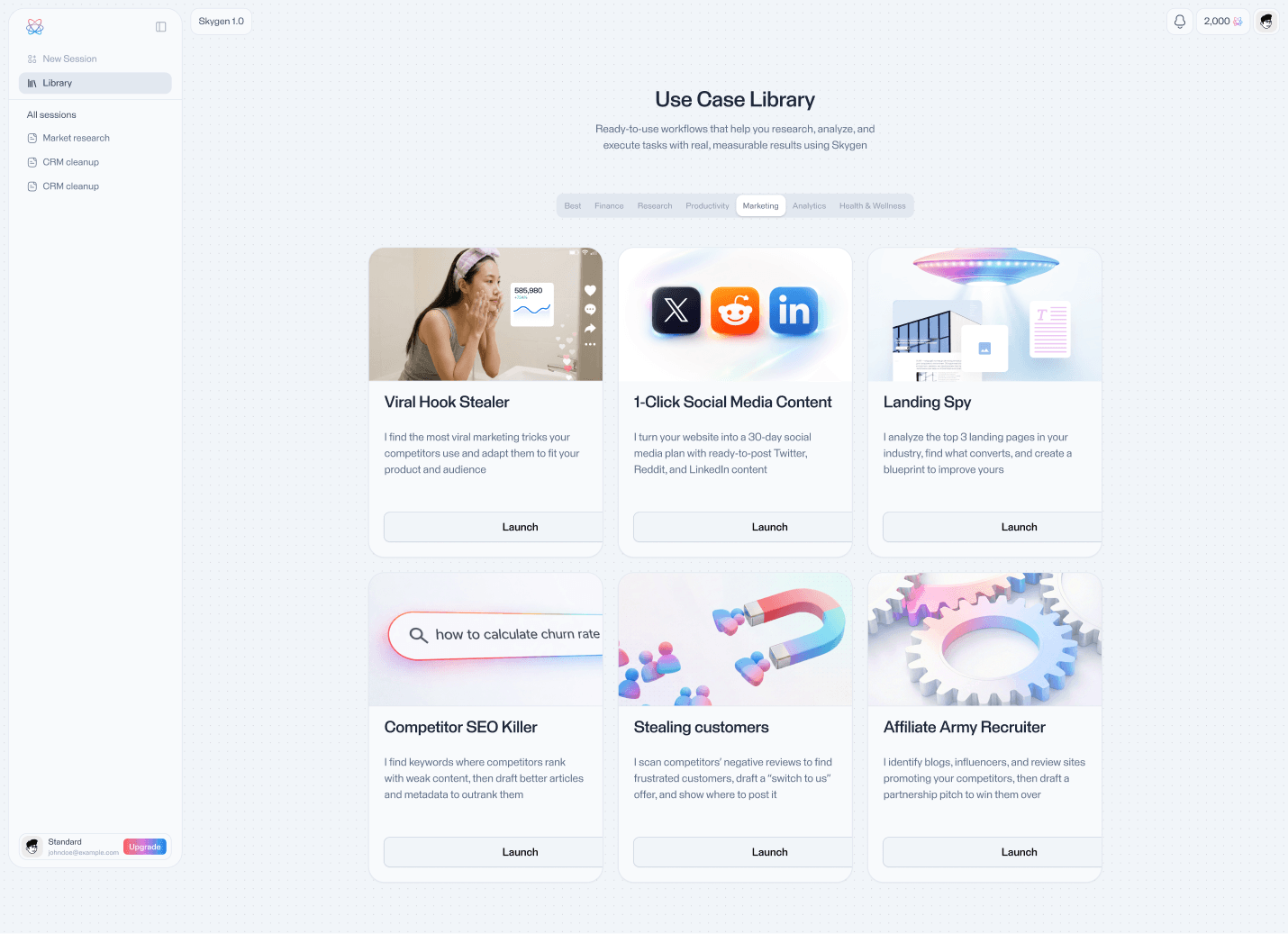
A dedicated use-case library helps users understand what Skygen can actually accomplish instead of requiring them to start from an empty prompt.
Ready-to-run scenarios cover areas such as research, productivity, automation, marketing, analytics, CRM, and other operational tasks.
Computer Use
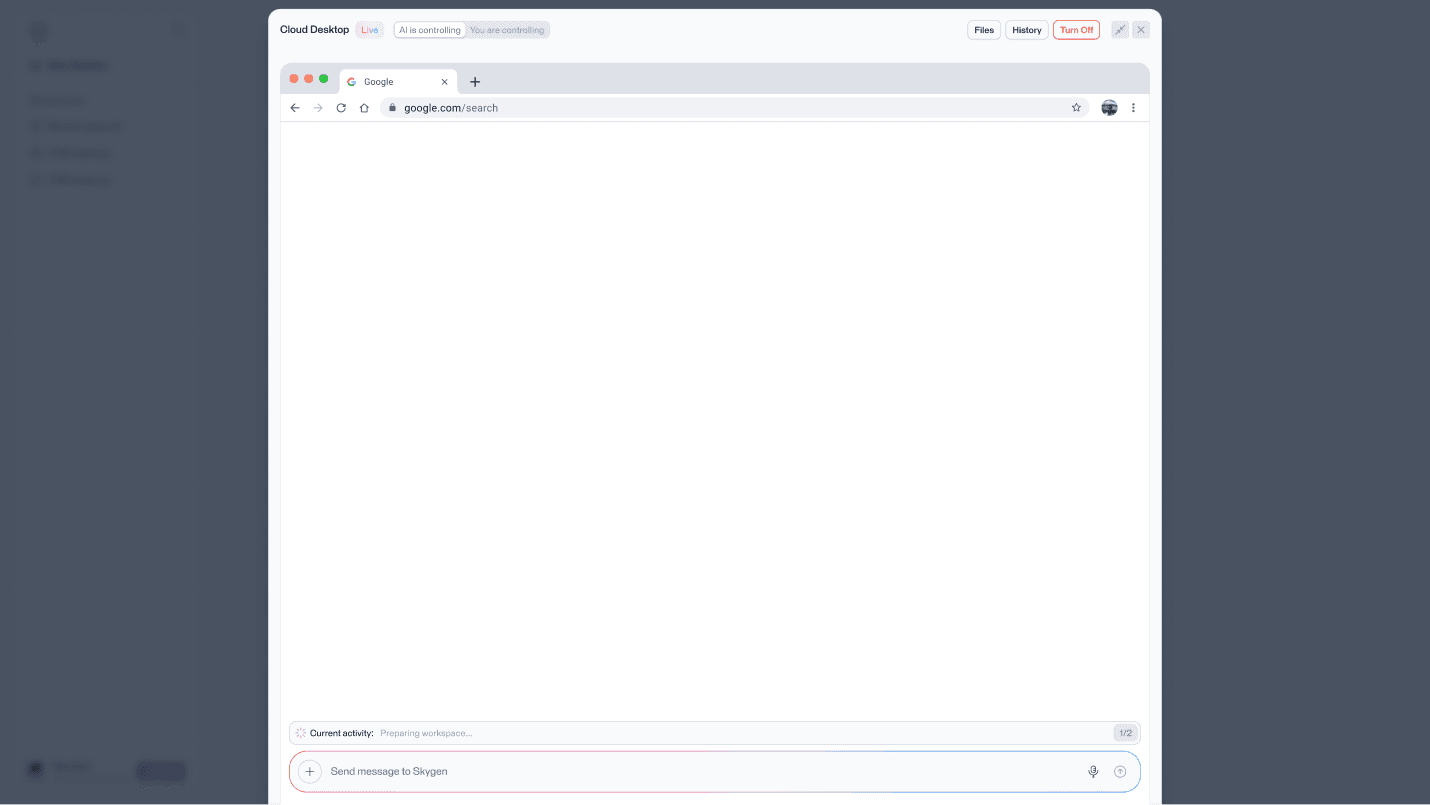
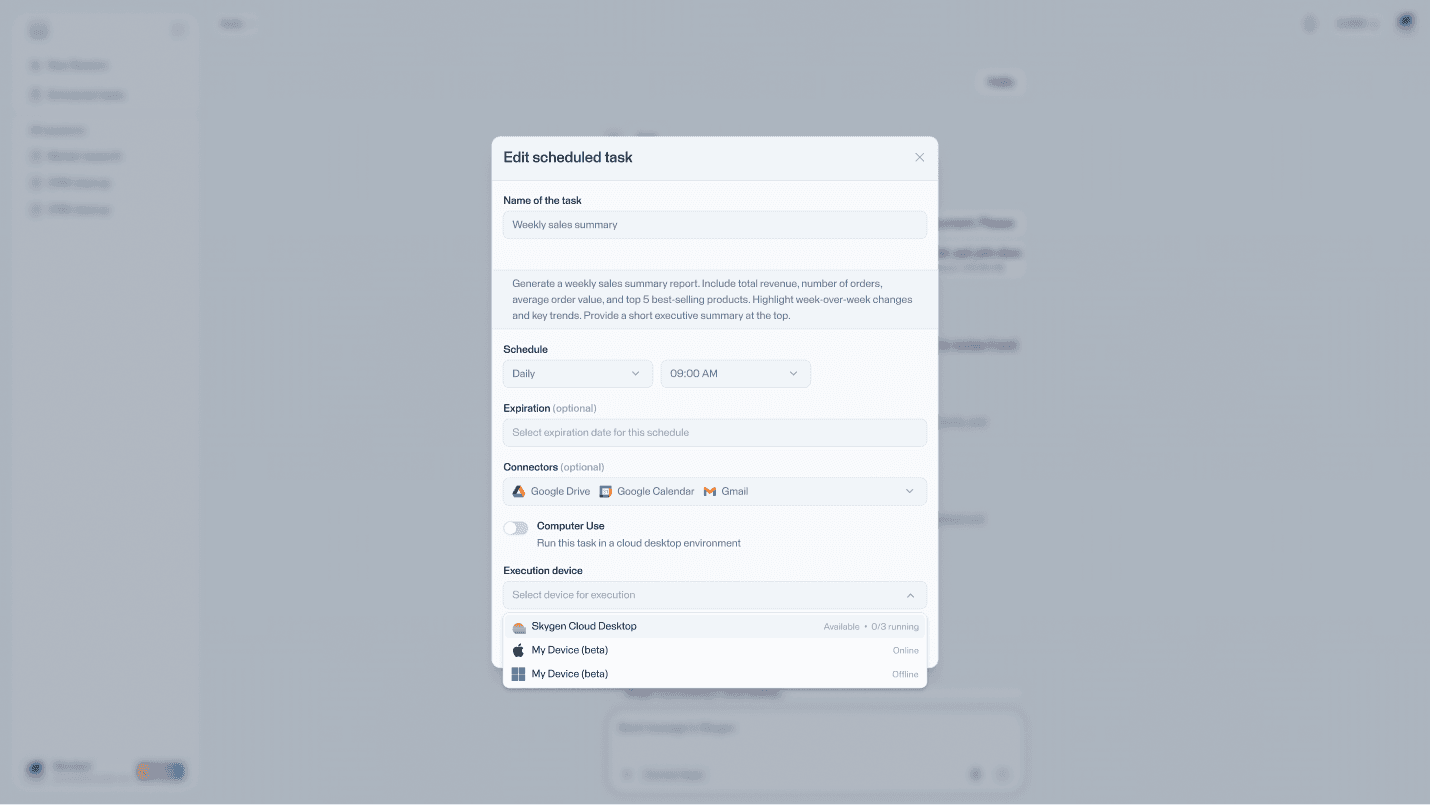
Skygen can execute tasks inside a cloud computer environment while keeping the user informed through live activity, task progress, and file access.
Users can observe what the agent is doing, review intermediate results, and take control whenever manual intervention is needed.
Human Control & Confirmation
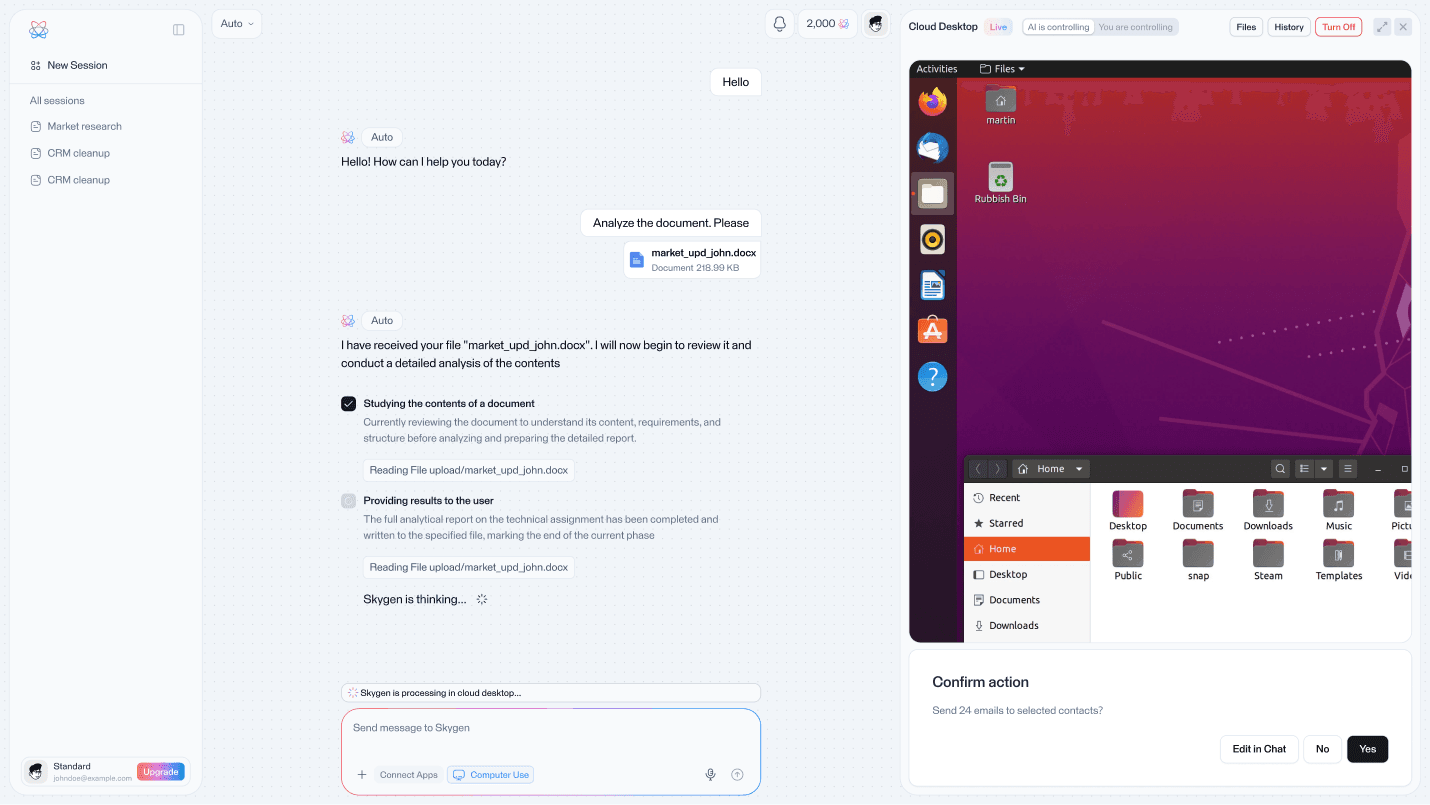
Not every automated action should happen silently.
For actions with real consequences, Skygen introduces explicit confirmation before execution and keeps manual takeover available throughout the process.
Mobile Experience
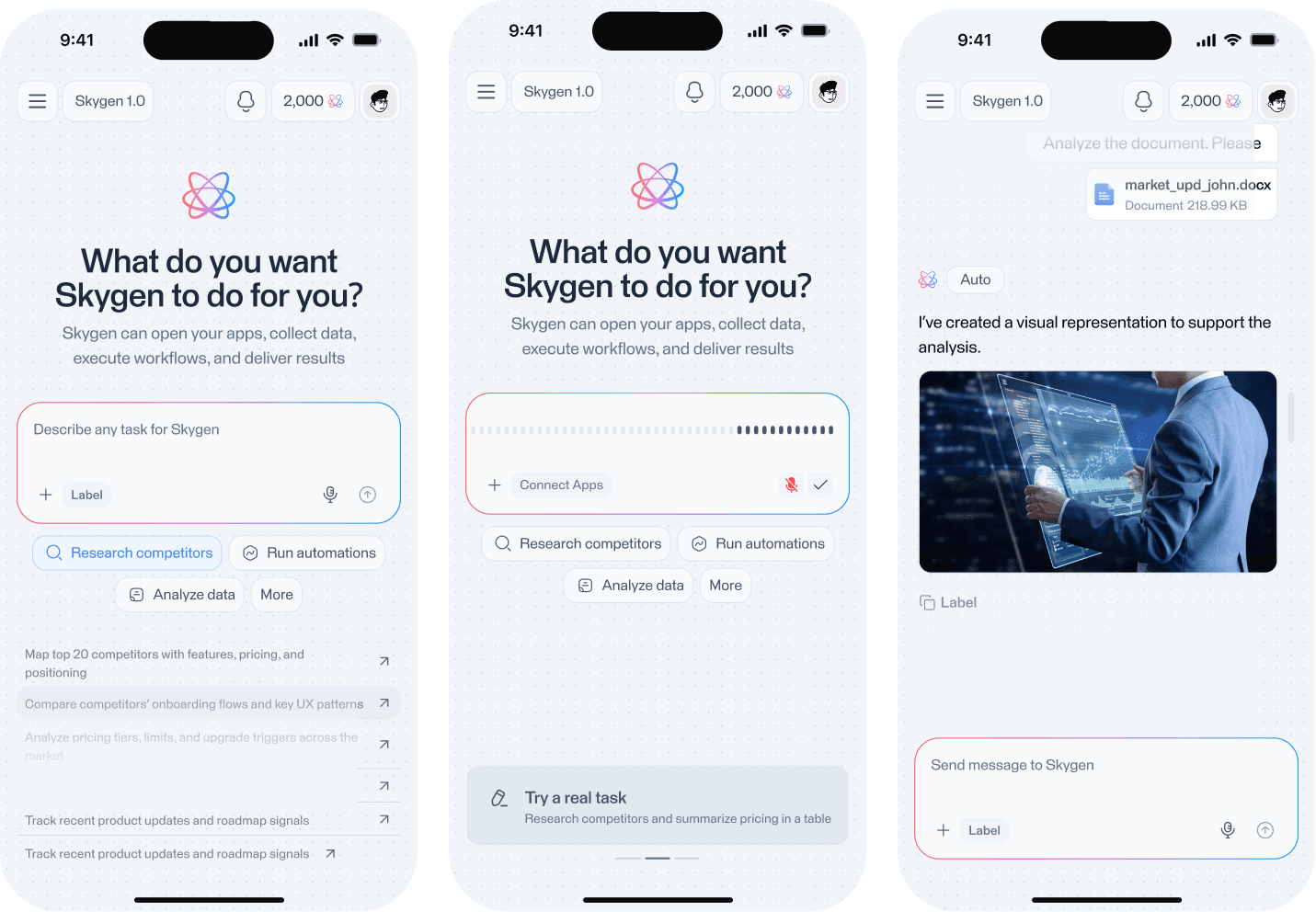
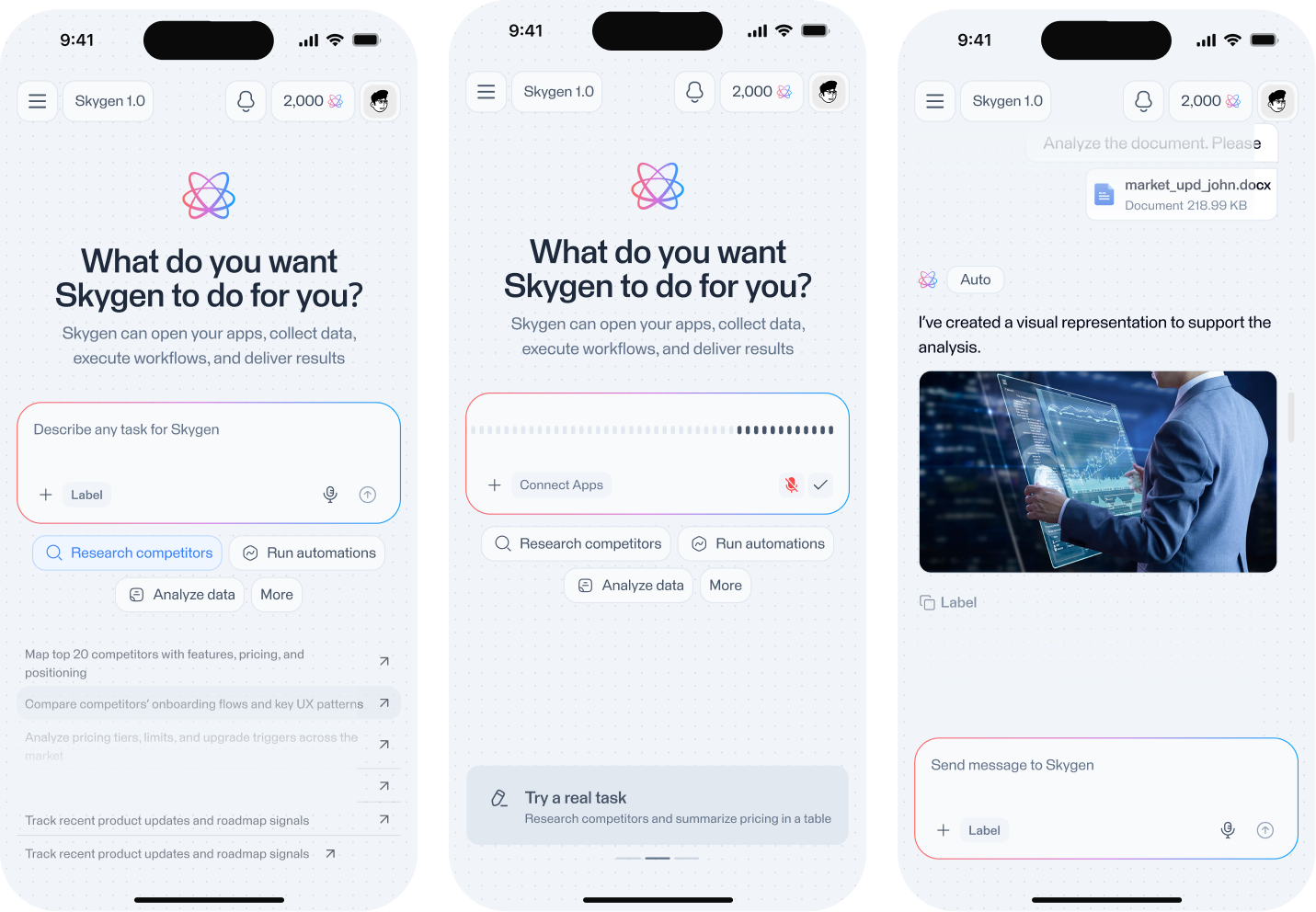
The core Skygen experience was adapted for mobile, allowing users to initiate tasks, monitor agent activity, manage connected apps, and interact with Computer Use from smaller screens.
The mobile experience preserves the same product logic while reorganizing complex desktop interactions for a more constrained interface.
Security & Account Controls
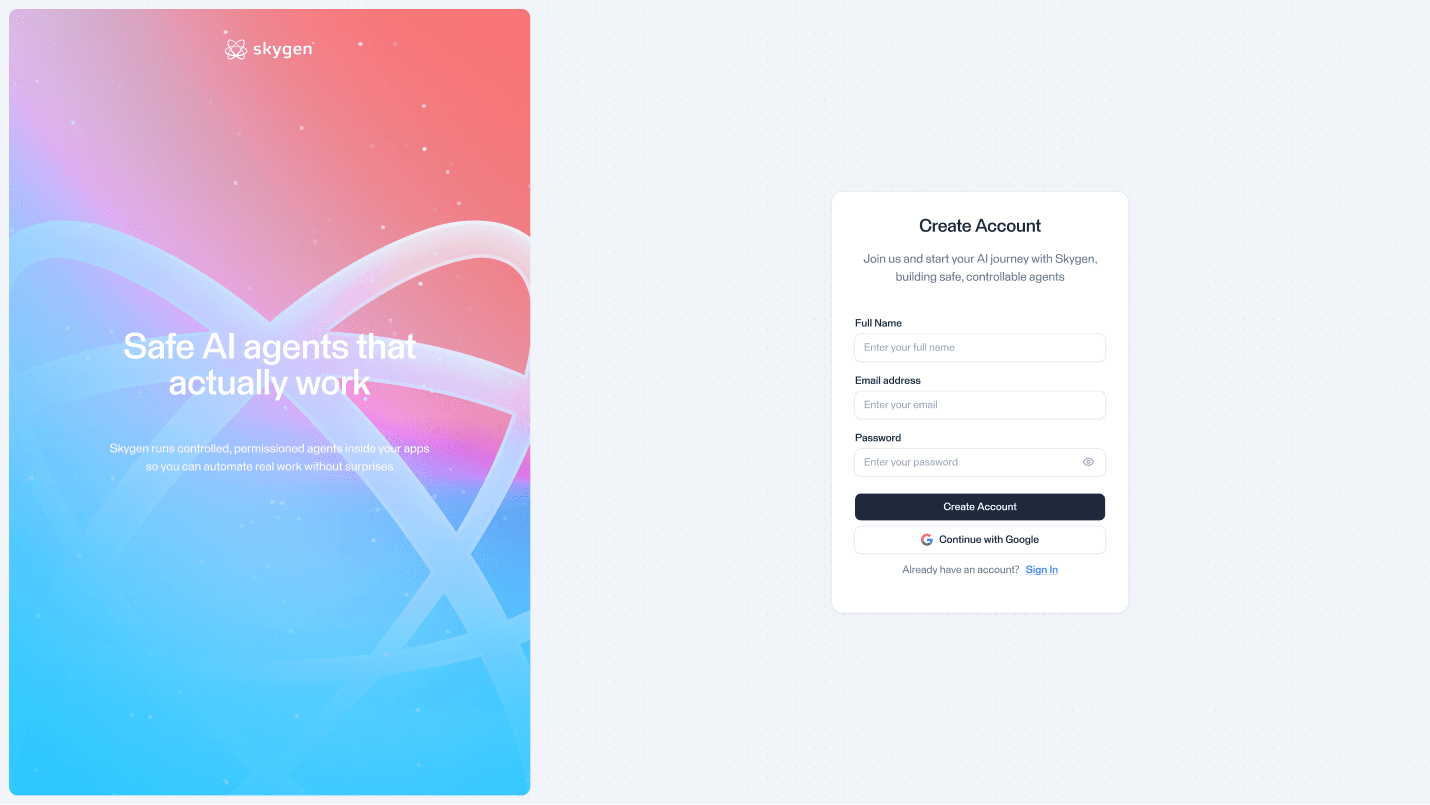
Because Skygen can access connected services and perform actions on behalf of the user, account security and permission management are an important part of the experience.
Product States & Monetization
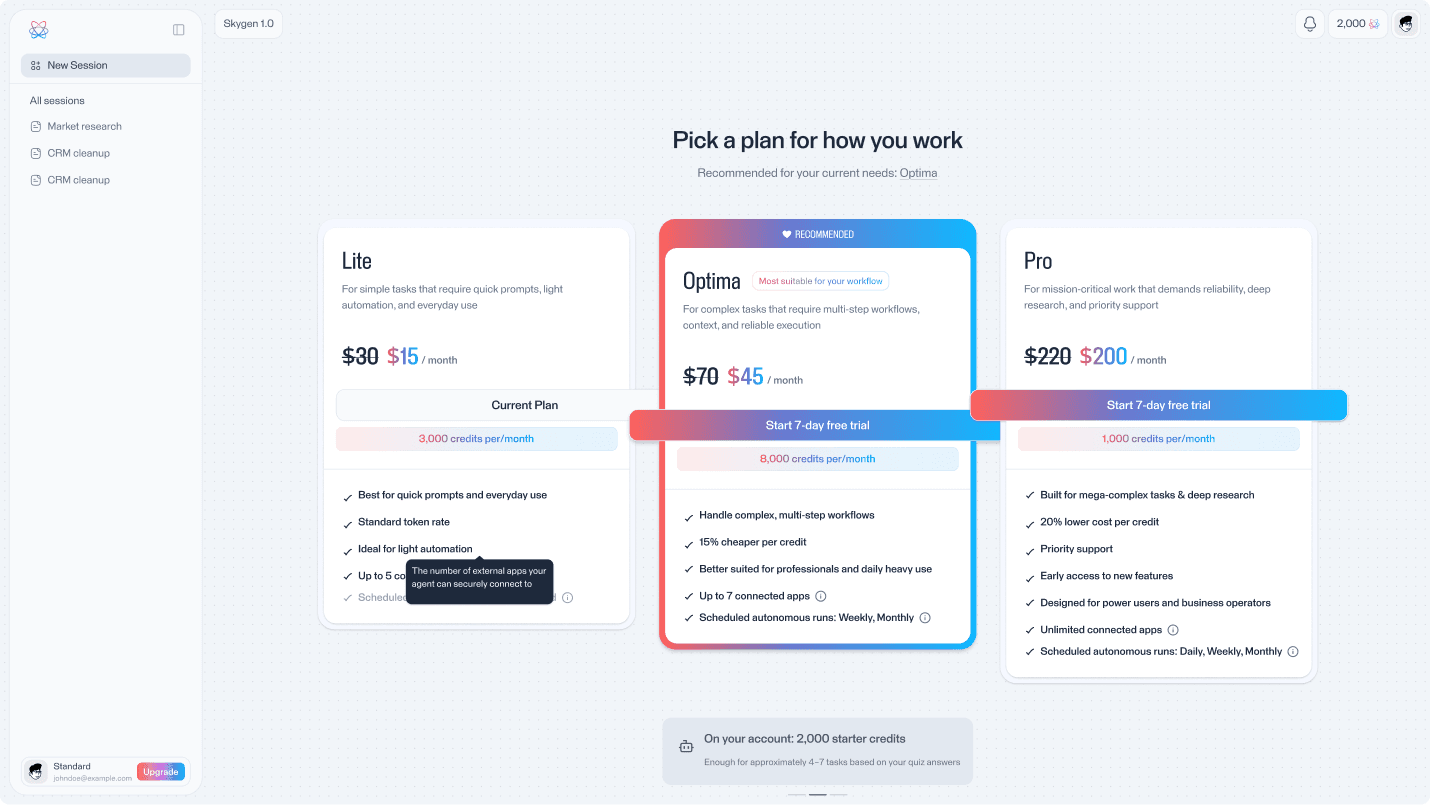
The product also includes the surrounding states required for a complete SaaS experience, including onboarding, plan selection, free-plan limitations, trial expiration, pricing, and product updates.
Product Positioning
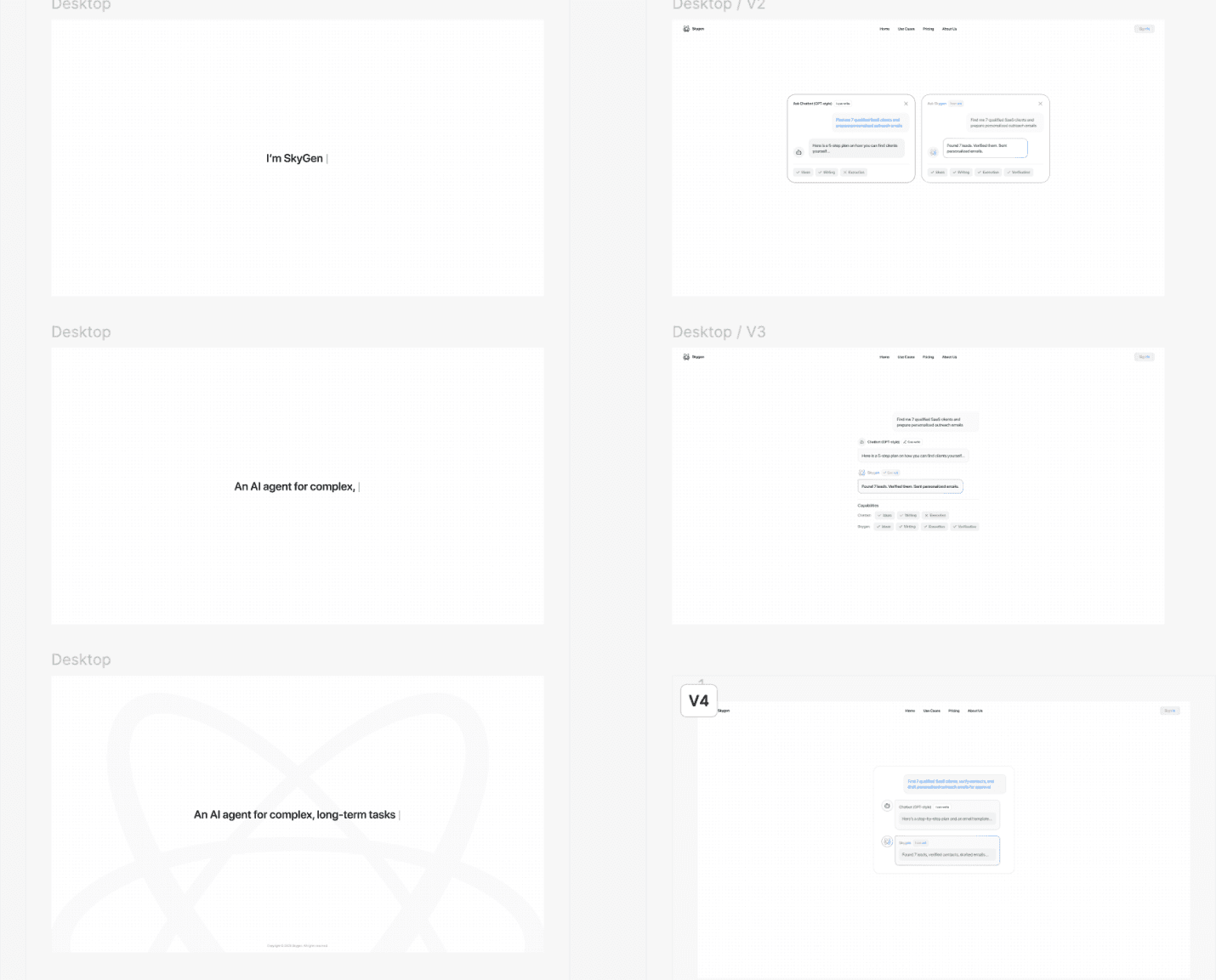
The Skygen mini-landing communicates the difference between a traditional conversational AI and an agent capable of executing complete workflows.
Dark Theme
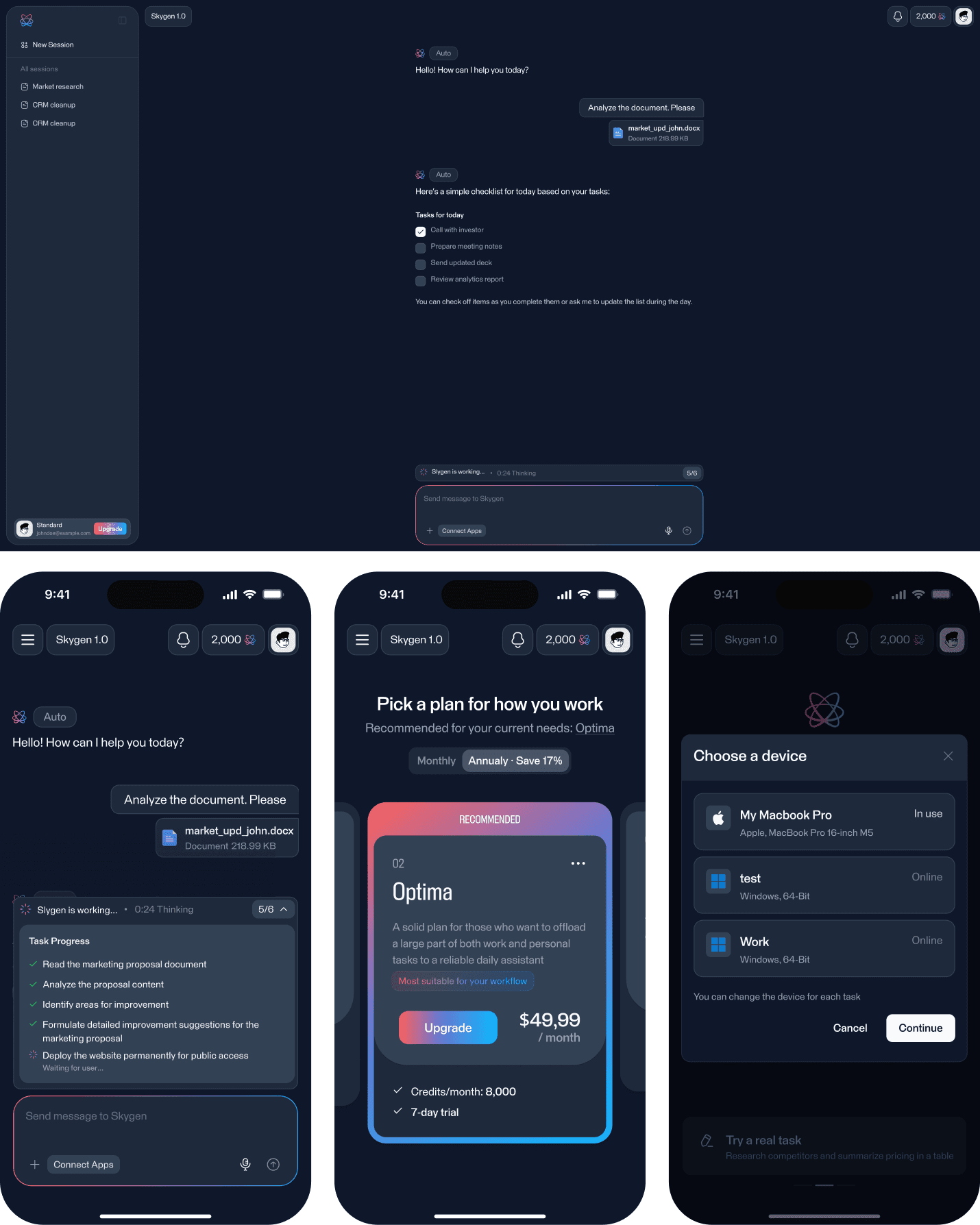
A dark interface was prepared across core product areas while preserving hierarchy, readability, and consistency with the main visual language.
Component System
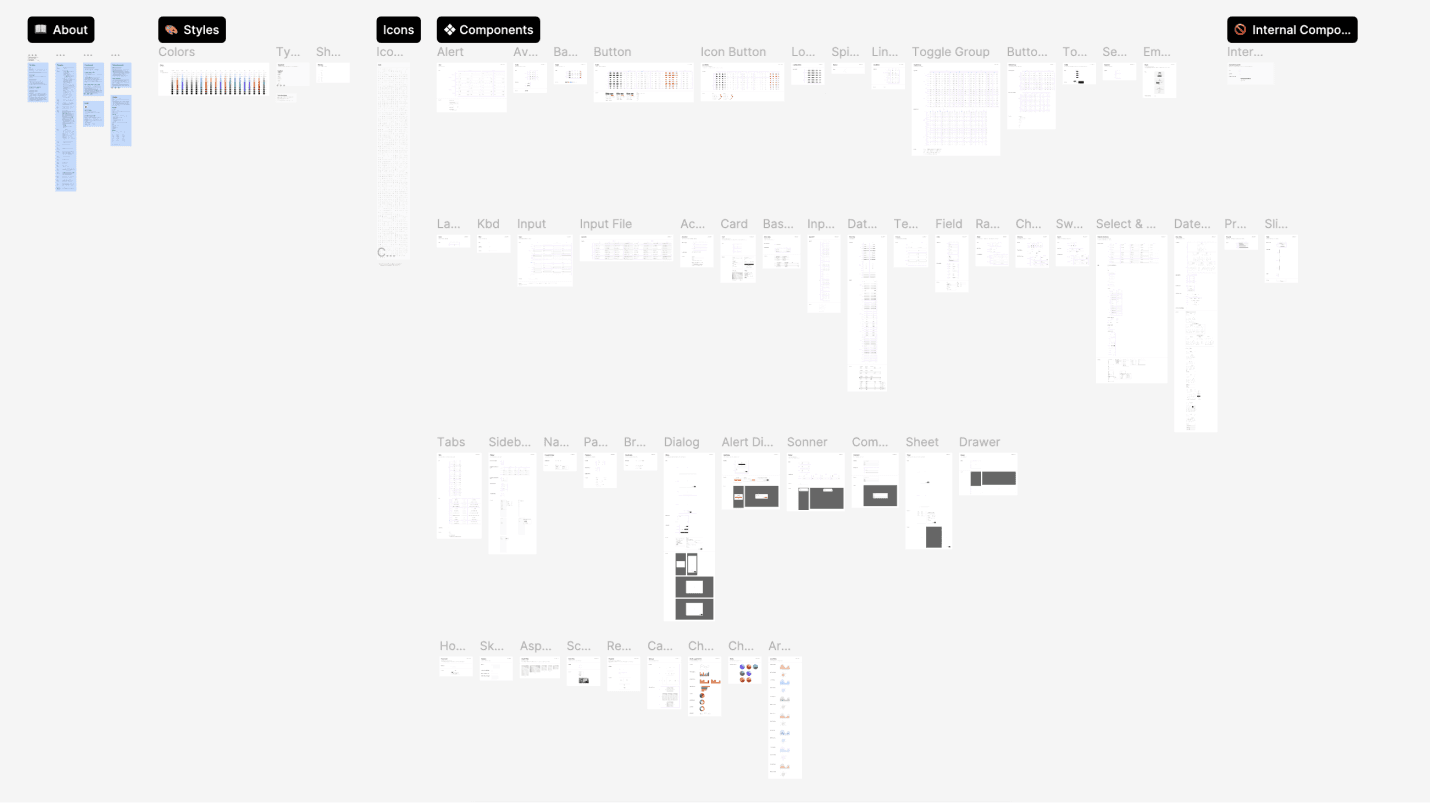
A reusable component system was created to maintain consistent interaction patterns across the agent workspace, dashboard, mobile experiences, forms, dialogs, and system states.
Prototype Validation
Testing sample: 16 participants with experience using AI productivity tools, SaaS platforms, or workflow automation.
Task launch completion
88%14 of 16 participants successfully configured and launched a multi-step agent task without assistance, indicating that the path from prompt to execution was easy to understand
Connector setup completion
81%13 of 16 participants connected the required external service and returned to the active workflow without losing context.
Agent state comprehension
94%15 of 16 participants correctly identified whether the agent was planning, executing, waiting for confirmation, or required user input.
Median human takeover time
21 secUsers were able to recognize the need for intervention and take manual control of the computer environment quickly when autonomous execution required help.
Outcome
Skygen brings conversational AI, connected-app automation, specialized agents, and computer control into one execution environment.
The product gives users a simple way to delegate complex digital tasks while maintaining visibility and control over what the agent is doing.
Reflection
Designing an autonomous AI product required balancing speed and automation with transparency and user control.
The strongest interaction patterns were not only about helping the agent perform more actions, but about making those actions understandable, reviewable, interruptible, and safe for the user.